Programmes
Five programmes. One rule: you bring your own work.
Each public course meets in our Tanjong Pagar studio. You arrive with a file you are allowed to use. We teach on that file. A case study about a fictional firm is not the material. Read the outlines below, then ask for the intake that matches your weeknights.
Studio format
12 seats · evenings · Tanjong Pagar · materials included
Sessions run 7–9.30pm. A workbook, 30-day access to the teaching recording, and one clinic slot sit inside the fee. See the calendar for 2026 dates.
4 weeks · Tuesday evenings
AI Foundations for Work
This is the course we point you to if a model has never touched a live document on your desk. The first Tuesday is deliberately slow. We open the tool together, write a short brief for a task you already do, and then refuse the first answer it gives so you can see what a check looks like. Nobody is expected to arrive with a vocabulary. You are expected to arrive with a file.
By the third week the novelty has worn off and the real work starts: keeping a prompt library that matches your role, writing a failure note when the output is sloppy, and deciding what must stay in your own words. People who write monthly updates, lesson notes or customer replies tend to move fastest because the task repeats. People who only have a one-off project still finish with a method they can reuse.
On the last night you run a ten-minute demo of the weekly task you chose in week one. The group asks where the check sits. You leave with the workbook, the library, and a one-page note you can show a manager without translating it into vendor language.
Sessions
- Week 1
Briefing a model for a task you already own, and writing the first check you will not skip.
- Week 2
Building a small prompt library and a version note so last week’s wording is not lost.
- Week 3
Redacting a real file, using a stand-in where needed, and deciding what never gets pasted.
- Week 4
Running the full weekly task end to end and presenting the demo you can take back to work.
You should already be able to…
- Use a laptop and a browser without help for ordinary office work.
- Name one repeating task you are allowed to practise on.
- Read and write workplace English at the level of a normal email.
4 weeks · Thursday evenings
Prompting & Writing Systems
You already open a chat tool most days. The complaint we hear is that Monday’s draft was usable and Thursday’s was not, and you cannot say why. This course treats writing as a system. We start from a document you produce on a cycle: a weekly update, a proposal section, a set of customer replies. The first session is spent pulling the tone, the must-keep facts and the forbidden phrases out of that document so the tool has something firmer than “make it professional”.
Weeks two and three add a clause library, a review pass that a colleague can run, and a short log of what you changed after a bad output. The aim is a first draft you would actually send to a manager, with the parts that still need a human marked in the open. If your employer already has a style guide, we fold it in rather than inventing a second voice.
The last Thursday is a before-and-after reading. You show the source file, the system, and the remaining risk. People who write under a brand voice, a legal template or a public-sector house style get the most from this room.
Sessions
- Week 1
Extracting tone, facts and banned phrases from a live document you already write.
- Week 2
Building a clause library and a first-draft prompt that a colleague could rerun.
- Week 3
Adding a review pass, a version log, and a mark for every line that still needs a human.
- Week 4
Running the full writing system on a new week’s file and presenting the before and after.
You should already be able to…
- Use a general assistant at work at least a few times a week.
- Bring a repeating writing task and a sample you are allowed to edit.
- Accept that the first output will be treated as a draft, never a send.

6 weeks · Wednesday evenings
Data, Spreadsheets & AI
If your week is a stack of workbooks, this is the course. The first Wednesday is spent looking at a sheet you actually maintain: a forecast, a roster, a stock list, a simple pipeline. We name the inputs, the checks you already do by eye, and the summary someone asks for every Friday. No one is asked to write code. You do need to know where your numbers come from.
The middle weeks cover cleaning, asking a copilot a question that can be verified, and drafting the short narrative that sits on top of a table. We treat every generated figure as untrusted until you can point to the cell it came from. People from finance, operations and school administration sit in the same room because the habit is the same: the model proposes, the sheet decides.
By week six you have a repeatable pack: the cleaned source, the prompt or copilot steps, the check, and a one-page note for the person who covers your leave. If your organisation forbids cloud tools on live data, we work on a redacted or synthetic stand-in and write the transfer steps for when you return to the official file.
Sessions
- Week 1
Mapping a live workbook: inputs, weekly questions, and the checks you already do by eye.
- Week 2
Cleaning a messy sheet and writing down the steps so next month’s file can follow them.
- Week 3
Asking a spreadsheet copilot questions that can be traced back to a cell.
- Week 4
Drafting the Friday narrative from the table without letting the model invent a number.
- Week 5
Building a checked summary pack a colleague could rerun on your leave week.
- Week 6
Presenting the full pack and the failure cases you will keep watching.
You should already be able to…
- Build a simple workbook with formulae you can explain to a colleague.
- Bring a sheet you are allowed to practise on, or a redacted copy.
- Know which figures in your work must never be guessed.

8 weeks · Monday and Thursday evenings
Automation & Agents
This is the long course and it is not a first step. We expect you to have finished Foundations or Prompting, or to show us equivalent daily use, before we offer a seat. The work is to connect a small number of steps so a weekly job stops living in copy-and-paste. The first Monday is a scoping night. We draw the job on the board: trigger, inputs, the model step, the check, and the place a human still signs.
The following weeks stay inside no-code builders. You will retrieve from a folder of your own documents, pass a short instruction to a general assistant, and drop the result into the place your team already looks. We do not build chatbots for the public internet. We do not fine-tune models. If a step would send customer data to a tool your employer has not approved, we stop and write a stand-in.
By week eight the automation should run on a real file with an approval sitting where the output leaves your team. You will also have the written workflow: purpose, inputs, configuration, checks, failure modes, owner and a review date. That document is the thing we care about when a vendor changes a screen in 2026.
Sessions
- Week 1
Scoping the weekly job: trigger, inputs, model step, check, and the human sign-off.
- Week 2
Choosing a no-code builder and mapping each hop without sending live data yet.
- Week 3
Connecting retrieval over a small folder of your own documents.
- Week 4
Adding the model step and writing the instruction that a colleague could edit.
- Week 5
Inserting the approval where the output leaves the team, and testing a refusal.
- Week 6
Handling failure: empty inputs, drifted tone, and a tool that is simply down.
- Week 7
Running the chain on a full week’s file and logging what still needs a person.
- Week 8
Handing over the written workflow and the live automation you will keep after class.
You should already be able to…
- Finish Foundations or Prompting, or show daily use of a general assistant at work.
- Describe one weekly job that currently needs copying between two or more apps.
- Get permission to connect a non-production folder or a redacted stand-in.
2 full days or 4 half-days · at your office
AI for Teams (in-house)
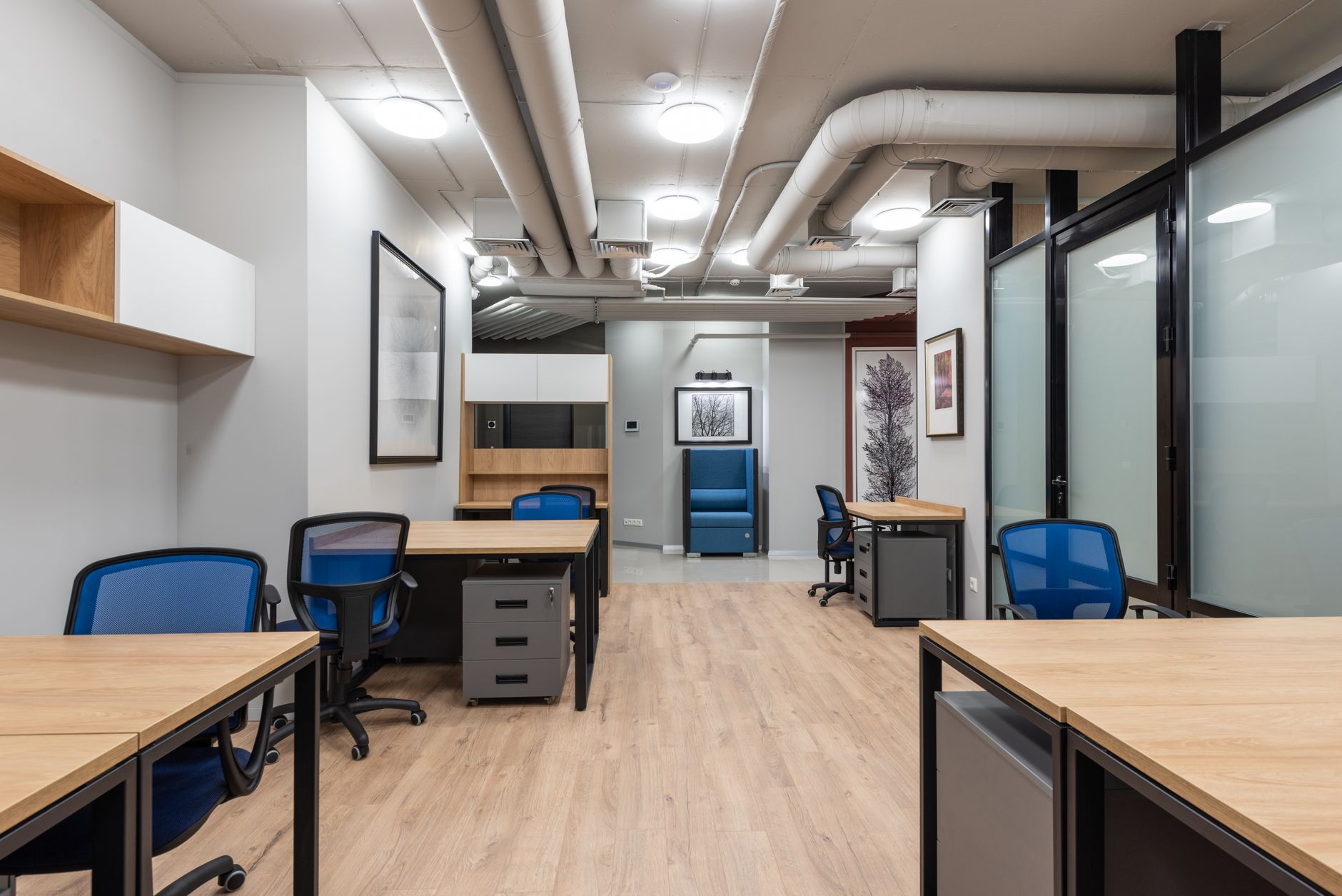
In-house work is for a group that already shares documents and a policy. We do not arrive with a generic deck about the future of work. The scoping call names two or three jobs that currently waste the most hours. Those files become the teaching material. The first morning is a shared briefing on what the team will and will not paste. The rest of the time is lab work on the real stack, with the same review habit we use in the studio.
A two-day format suits a team that can clear the calendar. Four half-days suit a desk that cannot go dark. Minimum group size is six so the review still has voices. Maximum is ten if we are on your site, twelve if you prefer to come to Tanjong Pagar. Materials are licensed for your organisation’s internal use. They are not licensed for you to re-teach as a public course.
You should already know which tools your employer allows. If the answer is “none yet”, we can still run a policy-and-practice workshop on stand-in files, and we will say so before anyone books a room.
Sessions
- Block 1
Shared rules: what may be pasted, what is redacted, and the jobs we will touch.
- Block 2
Live teaching on the first team file, then a lab with review in front of colleagues.
- Block 3
Second job, usually a writing system or a spreadsheet pack, built to the same checks.
- Block 4
Handover of the shared prompt library, the one-page rule, and the owners for each job.
You should already be able to…
- Gather a group of six to ten people who share a set of documents.
- Name the tools your organisation already permits.
- Appoint one person who will own the shared library after we leave.

Choosing
Not sure which one?
Start with Foundations if you have never used a model on a live work file. The pace is built for that first month. You will still finish with something you can show. Plenty of people who “tried ChatGPT once” belong here, because trying a tool at home is not the same as running it on Friday’s report.
Skip to Prompting if you already use an assistant every day and the results swing from useful to embarrassing. The gap is almost always the missing system: no tone sheet, no clause list, no written check. Data is the right door if your week is spreadsheets and the stories you tell about those sheets take longer than the numbers.
Automation only after one of the others. Connecting tools before you can brief a model and check its output just moves the mess from one window to three. If you are still unsure, write to us with your role and the weekly task. We will say which intake to sit, or tell you to wait a month.