Teaching method
Taught like a workshop, graded like nothing.
There are no exams and no ranked scores. Progress is judged by whether the thing you brought on night one runs, with checks, on the last night. If it does not run, we stay with it. If it does, we write the steps down so the habit survives the first Monday back at your desk.
How we teach
Demonstration, then your file, then the room.
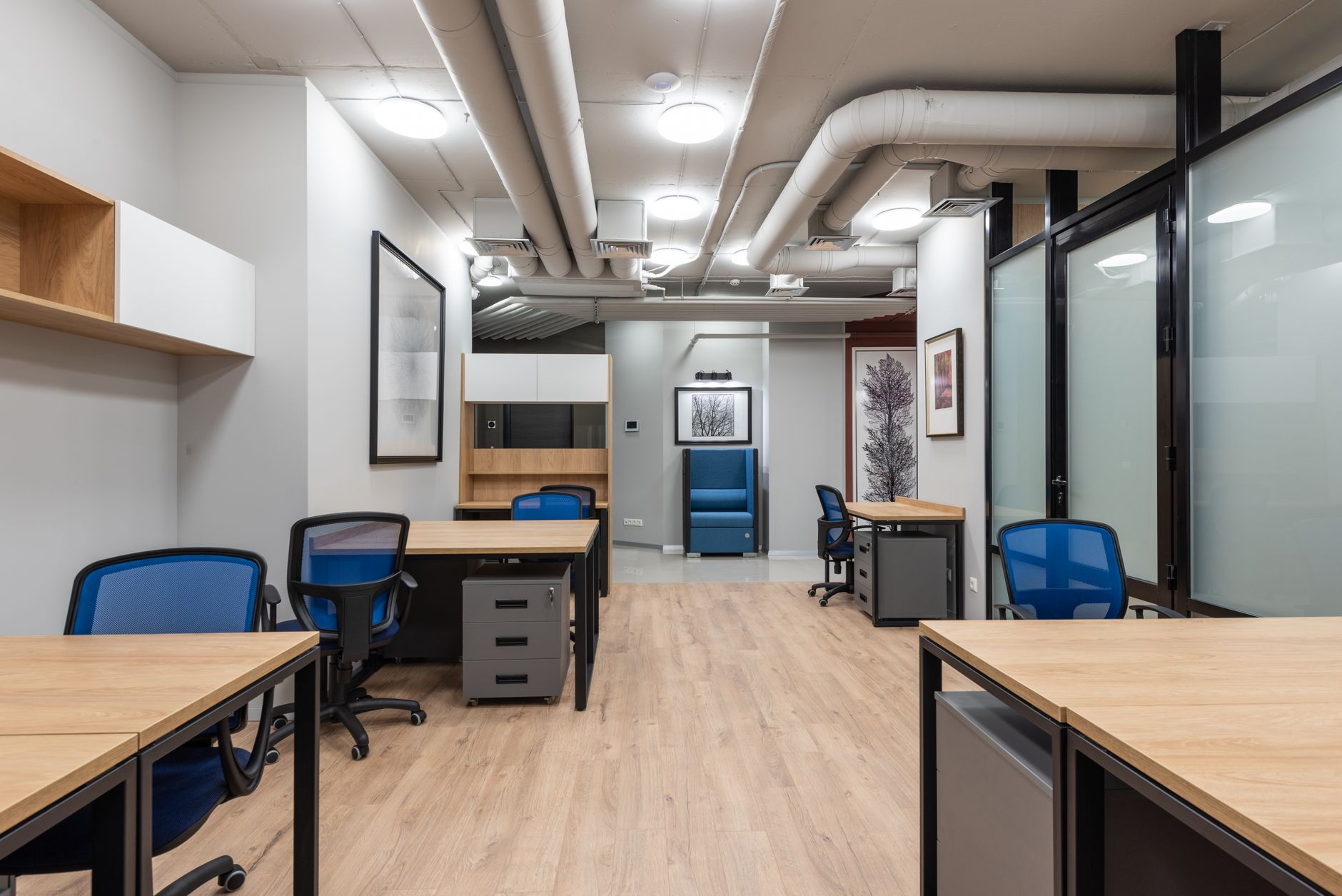
Every session follows the same three moves. We show the task on the shared screen, slowly enough that you can see the clicks and hear the checks. Then you do the same moves on your own document while we walk the room. Then two people put their work up and the group says what would break on a busy Monday. That last step is not theatre. It is how a method gets pressure-tested by people who do not share your job title.
Homework is always your own real file. A fictional case lets you perform competence without changing a habit. The first Monday back at work, the invented customer and the clean sample data disappear, and the messy inbox is still there. We would rather you bring a redacted version of the messy inbox. If your employer blocks every document, we will help you build a synthetic stand-in that still has the shape of the real job. We will also write the transfer steps for when you return to the official file.
If the exercise is invented, the habit never survives the first Monday back at work.
We do not mark spelling. We do mark whether you can explain the check. If you cannot say what would make you reject an output, the workflow is not finished. The written document at the end of the course exists so a colleague covering your leave can follow the same rejection rule. That is the standard we hold, from the four-week courses through the eight-week Automation track.
Class size stays at twelve so the lab hour is not a lecture in disguise. You should expect your file on the screen at least twice in a short course. That is uncomfortable for some people. It is also the reason the work improves. Quiet competence that never leaves your laptop is not the point of coming to Tanjong Pagar.
Automation track
The eight-week arc
Automation & Agents is the fullest public course, so we use it here as the map. Shorter programmes keep the same habits and cut the connecting work.
- Week 1
We draw the weekly job on the board and refuse any step that cannot name its input, its check and its owner. You leave with a one-page scope, not a tool login.
- Week 2
The builder is chosen after we test whether a non-specialist can restart it. You map each hop on paper before any live data is connected.
- Week 3
Retrieval is limited to a small folder you control. We practise asking for a passage you can point to, and rejecting answers that will not show their source.
- Week 4
The model step is added last, with an instruction a colleague could edit. You write the failure note for tone drift before you celebrate a clean run.
- Week 5
An approval sits where the output leaves the team. We test a refusal: empty input, wrong folder, a person who is away. The chain must stop in a boring way.
- Week 6
Failure week on purpose. Tools go down, columns change name, a colleague pastes the wrong file. You add the recovery steps to the written workflow.
- Week 7
A full week’s file goes through the chain. You log every place a person still had to touch the result, and you decide which of those touches stay.
- Week 8
Handover. The live automation, the document, the review date, and a ten-minute demo you can run for the person who signs the invoice.
Tooling
Tools we teach on
We do not sell software and no vendor sponsors the curriculum. Tool choice is reviewed before every 2026 intake. If a product we taught in February is a poor fit by July, the workbook is rewritten and the old steps are retired. You will always see the current list in the joining notes, not as a permanent promise on this page.
In class we work across six categories, using whatever currently lets a non-specialist finish the job with a check they can explain.
- General assistants for drafting, outlining and first-pass rewrite.
- Retrieval over a small folder of your own documents.
- Spreadsheet copilots that must point back to a cell.
- No-code automation builders for a short, approved chain.
- Transcription and meeting tools with an approval before minutes leave the room.
- Image and diagram generation for internal documents, never for public claims.
Studio rules
Data handling in class
You will be told, on night one and in the joining notes, what must never be pasted into a public model. That list includes identity documents, health information, unreleased financials, full customer databases, children’s work that can identify a pupil, and anything your employer has already marked restricted. If you are unsure, you treat it as restricted and you ask us before the lab starts.
Most people still need to practise on the shape of a real job. We use redacted copies and synthetic stand-ins. A redacted copy keeps the structure and strips the names. A synthetic stand-in is written to feel like the weekly file without being the weekly file. Both are allowed. A live dump from a production system is not. We will stop a share that looks wrong. That is part of the teaching, not a scolding.
The final session of every public course includes writing your own one-page internal rule. It names the data types you will keep out, the approval you will keep, and the person who can change the rule later. We do this because a prompt library without a boundary becomes a habit of pasting first and regretting later. The page is yours to take to a manager. We do not collect a copy unless you ask us to review the wording.
Between sessions
Sixty to ninety minutes, then a short clinic if you need it.
Plan 60 to 90 minutes between classes. That time is for running the week’s method on your file and writing the failure note. If you skip the note, the next session starts with guesswork. A shared class channel stays open for the duration of the cohort and for two weeks after the last night. It is for practical questions, not for us to do the homework.
Each learner may book one optional 20-minute one-to-one clinic slot. Use it when a tool login, a policy block or a broken step is stalling the work. It is not an extra seminar. Bring the file and the thing that failed.
Access
Accessibility and language
Classes run in English. Slides and workbooks are provided as PDF and in an editable text format so you can enlarge type or use a reader. The studio has step-free access from the lift lobby on the third floor. Tell us before the first session if you need a seat near the screen or printed copies waiting on the table.
We record the teaching segment only. Lab time is not recorded, because your files are on the desks. Recordings stay available for 30 days after the session. They are for catch-up, not for public posting. If you miss a night, watch the teaching segment and bring the homework to the next lab. Details sit on the questions page.
Need a seat that works for you?
Write to us with access needs before the intake starts. We would rather change the room than have you discover a problem on night one.
Contact the studio